
Fast 1K generation
Create clean drafts quickly for social posts, thumbnails, blog visuals, product concepts, and creative mood boards.
Nano AI 2 Lite model page
Create fast 1K images and lightweight edits with Nano AI 2 Lite, the efficient option for drafts, social visuals, product concepts, and daily creative work.
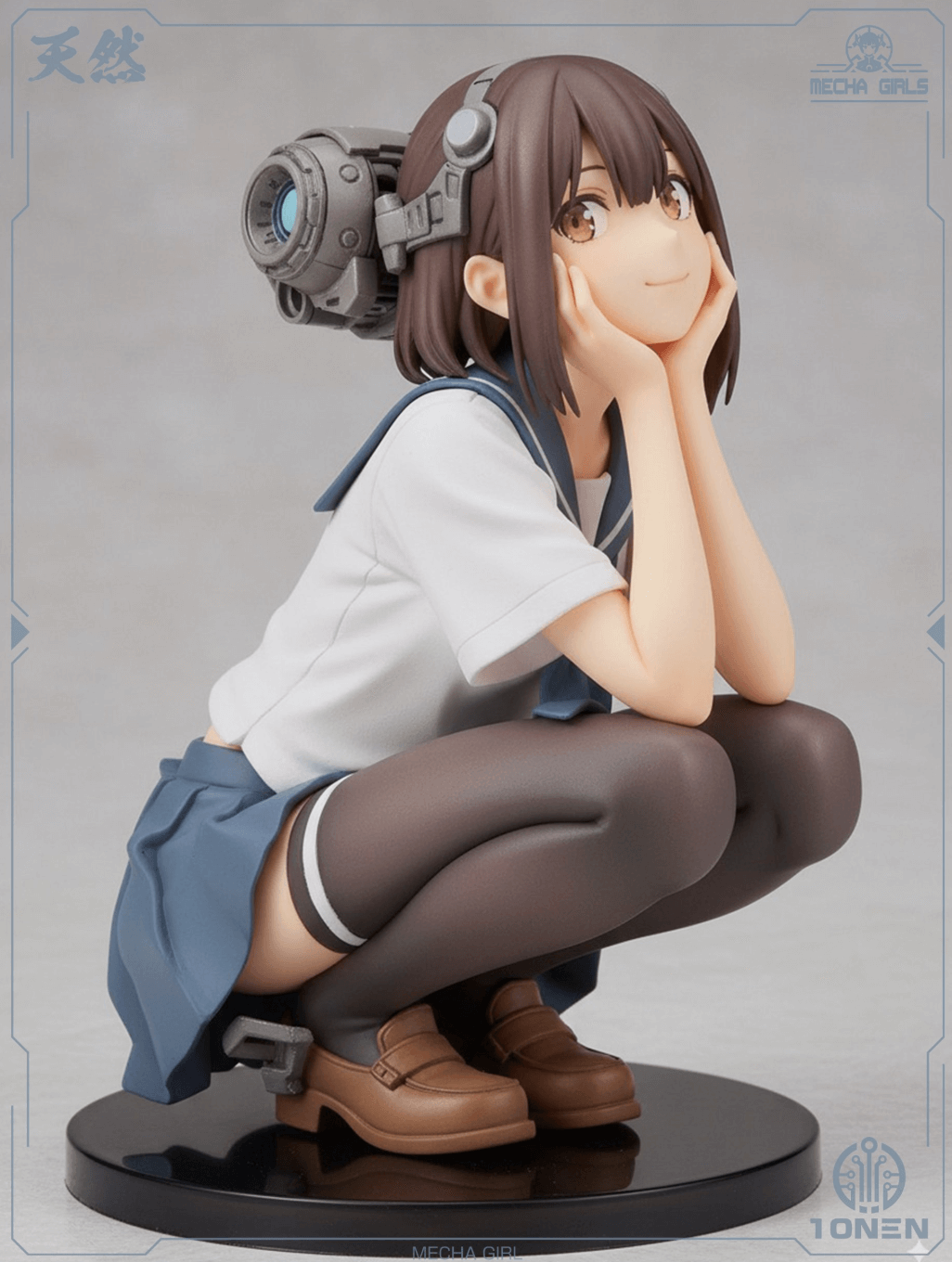
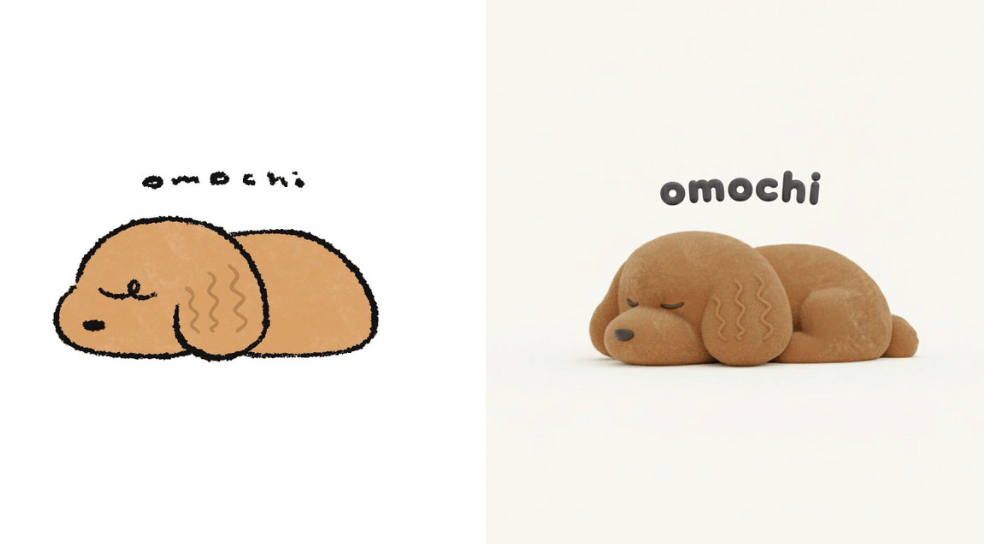
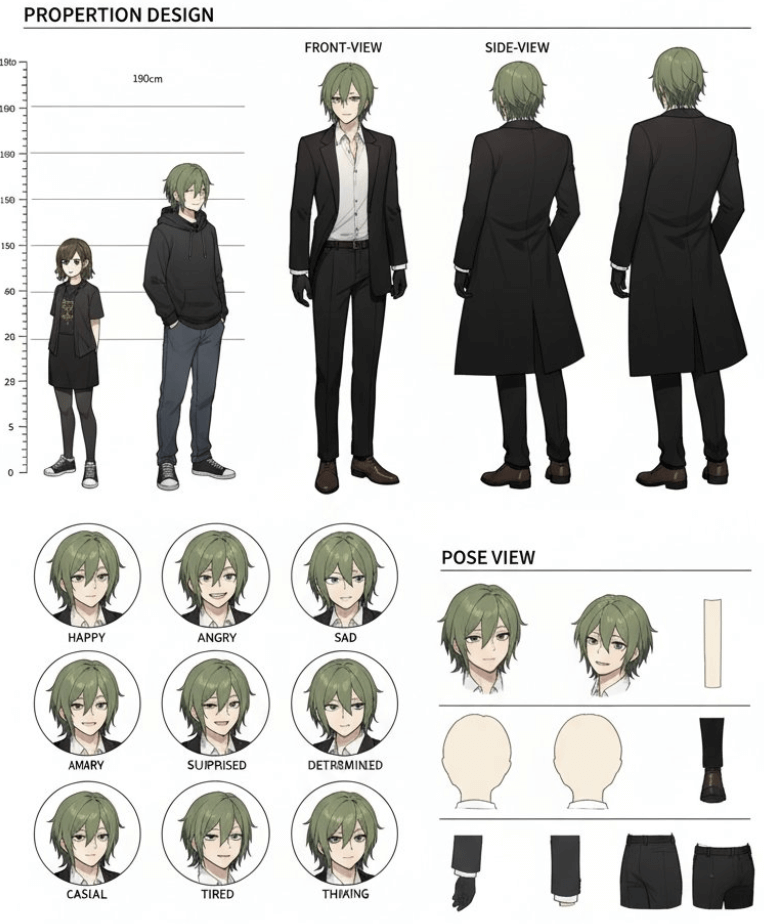
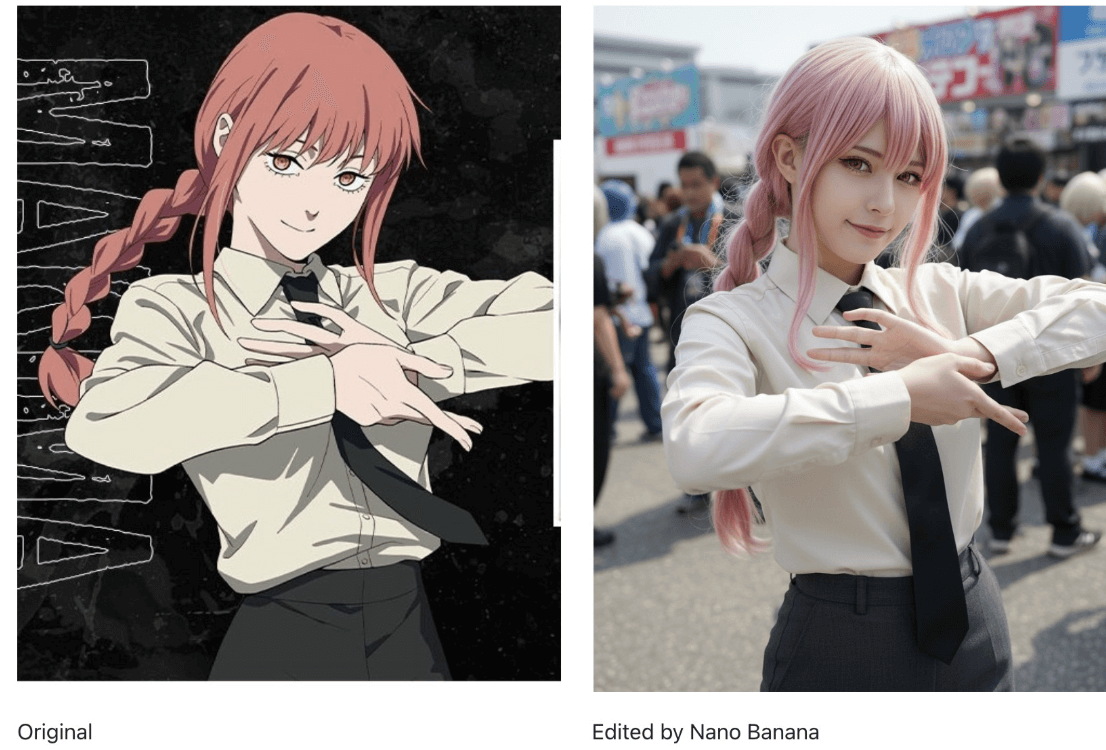
Image preview
Use Nano AI 2 Lite when you need many clean drafts, quick edits, and web-ready visuals before moving into higher-cost final renders.
Start creating
The image workspace below opens with Nano AI 2 Lite selected. Write a prompt, add reference images when needed, and generate a lightweight AI image.
Google NanoBanana 2 Lite — fast 1K text-to-image and image editing
Model highlights
Nano AI 2 Lite focuses on speed, lower credit use, and practical 1K output for everyday image generation and editing.
Create clean drafts quickly for social posts, thumbnails, blog visuals, product concepts, and creative mood boards.
Use Nano AI 2 Lite for frequent ideation, variant testing, and prompt exploration before spending more on final-quality models.
Start from a prompt or guide the result with reference images when you need composition, product, or character consistency.
1K results are easy to review, download, and use in web layouts, ads, social posts, and content drafts.
Workflow
Nano AI 2 Lite works best as the fast first pass in an image workflow. Generate broadly, shortlist winners, then refine.
Describe subject, style, composition, lighting, and intended use. Keep the prompt direct so variants are easy to compare.
Upload a reference when you need a similar product, character, palette, or layout, then describe the exact change.
Run several Nano AI 2 Lite variations, keep the strongest direction, and polish the prompt before final output.
Use cases
Create fast visuals for posts, thumbnails, carousels, ads, and campaign idea boards.
Prototype product scenes, packaging ideas, background options, and e-commerce creative angles.
Generate web-friendly images for articles, landing pages, comparison posts, and internal drafts.
Test styles, lighting, camera angles, and art direction cheaply before using a heavier image model.
FAQ
Nano AI 2 Lite is a fast, lightweight AI image generation option for 1K images, prompt exploration, and simple image edits.
Nano AI 2 Lite prioritizes speed and lower credit cost for drafts and iterations. Pro models are better when you need higher resolution or final-detail quality.
Yes. You can use reference images and prompts to guide edits, style changes, product variations, or composition adjustments.
Nano AI 2 Lite is positioned around fast 1K image generation, which is practical for web, social, and creative drafts.
Creators, marketers, founders, designers, and content teams should use Nano AI 2 Lite when they need many quick image options.
Generated images may be used for personal or commercial projects as long as your prompts and outputs comply with the content policy and applicable law.
Use Nano AI 2 Lite for quick drafts, practical edits, and credit-friendly image exploration in your browser.